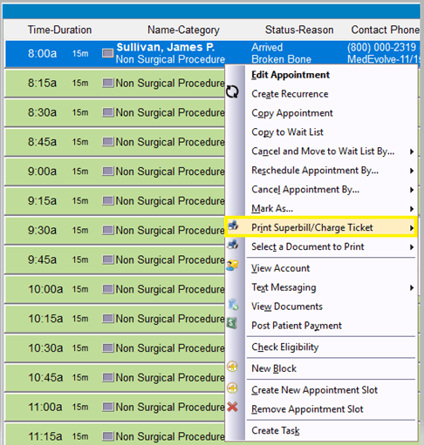
Step 1: Right-click on the scheduled appointment slot, then select “Print Superbill/Charge Ticket”.
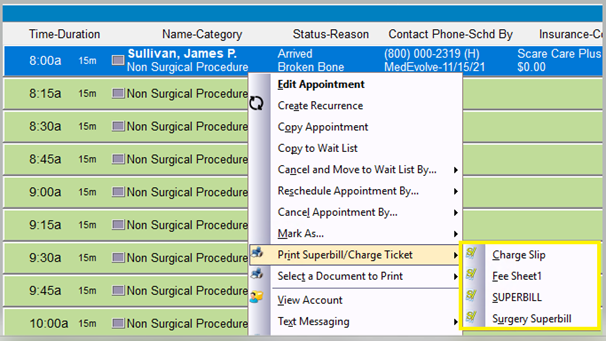
Step 2: Left-click on the Superbill/Charge Ticket you wish to print.
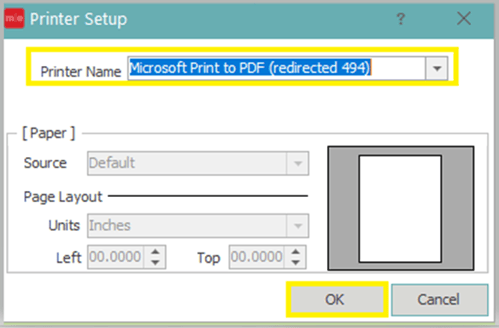
Step 3: Select the appropriate printer, if it does not default, and then click “OK”.