
Step 1: Search for the patient. (You can search using the patients account number, last name and/or first name, or by clicking the italicized word “Account”.)

All appointments, including past, current and future appointments, will display in the bottom area of the window.
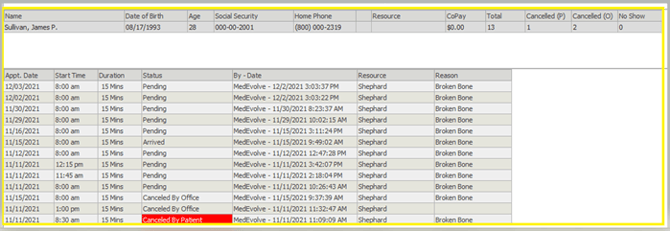
Note: You may right-click any of the non-canceled appointments in the list to perform the usual scheduling options needed.