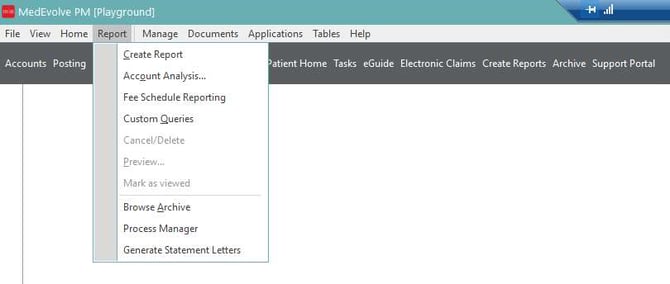
From the home screen, go to Report > Account Analysis.
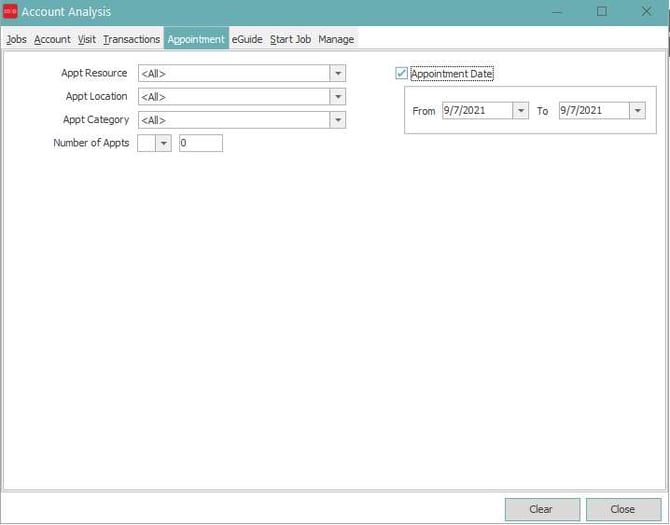
Once the Account Analysis screen opens, click the Appointment Tab. You will then check the Appointment Date checkbox and enter the from and to date of the date(s) you want to print the Superbills for.
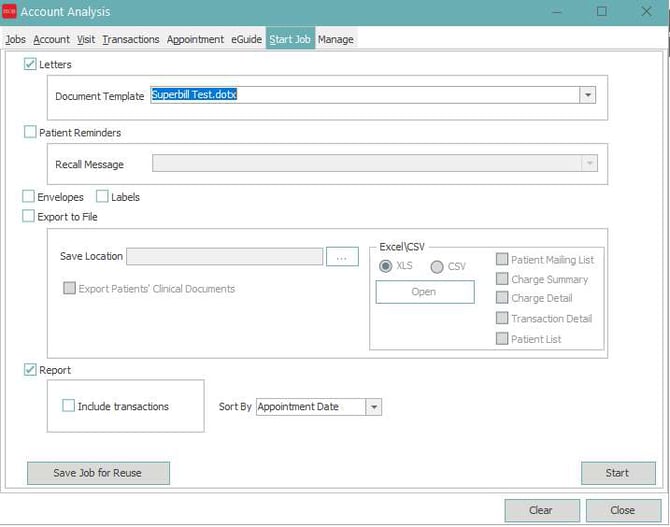
Next, click the start Job Tab. Select the Letters Check Box and select the Superbill Template. You will then click Start, which will prompt them to print.
Note that this process will also work for any other documents.