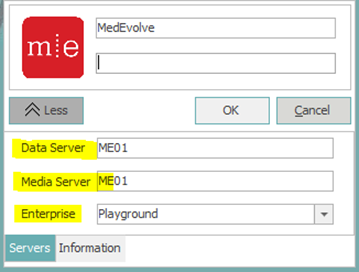
There are times when users will need to expand the login box to see the server name they are connecting to and the enterprise. The reasons could be there is a new server and they are no longer able to connect. This mostly concerns users on our Azure Cloud environment. They will sometimes get a message stating user does not exist. This is because there are multiple databases on each app server so they need to check to make sure that they are trying to login to the correct enterprise.In order to expand the login box please do the following.
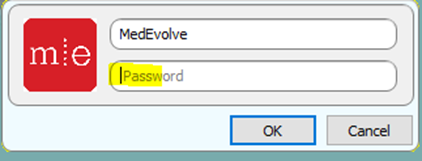
- Click inside password field.
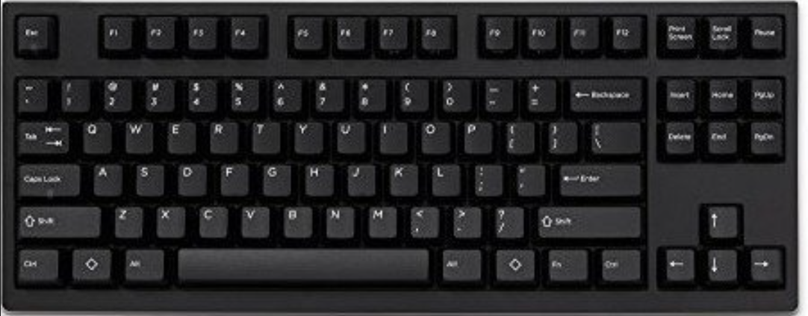
- On your keyboard hit CTRL+ALT+SHIFT+M and then release all keys at once. The login box will then expand. Verify the information is correct in the login box.